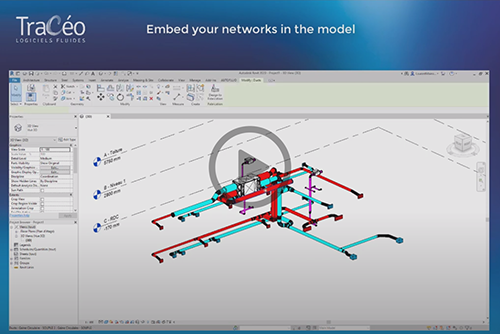
Specially made for your REVIT BIM projects, draw your 2D and 3D networks in your CAD software (AutoCAD or BricsCAD) and keep your working habits ! Understand RVT-Connect step by step. Lesson 2: Embed your networks in the BIM model. More videos on our youtube channel.

Read more

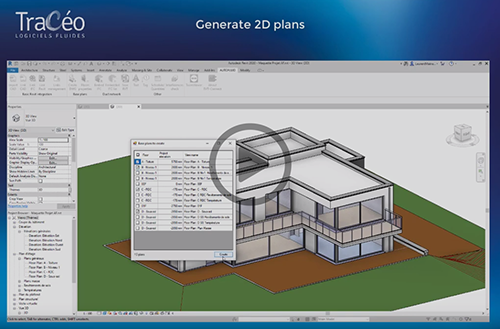
Specially made for your REVIT BIM projects, draw your 2D and 3D networks in your CAD software (AutoCAD, BricsCAD ou ZWCAD) and keep your working habits ! Understand RVT-Connect step by step. Lesson 1: Generate 2D plans from the BIM model. More videos on our youtube channel.

Read more

You don’t need any REVIT training anymore to know how to export your 2D plans ou embed and update your networks in the BIM model. All you need is to install RVT-Connect in your REVIT software to communicate between your CAD software and REVIT without changing your working habits. If you don’t have REVIT, give the plug-in to

Read more

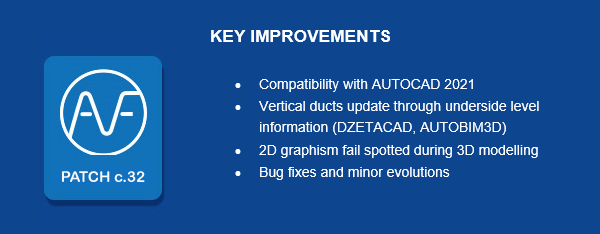
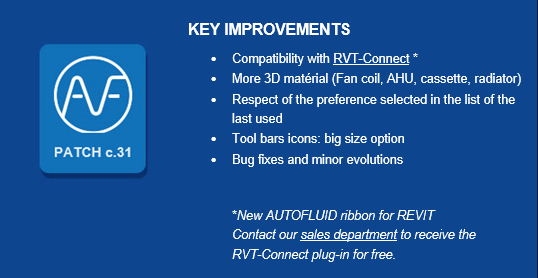
A new patch for AUTOFLUID10 is now available on our web site. Traceocad recommends to install Patch c31 to ensure the best performance for your software. In order to benefit from our free hotline you must update your software with the latest patches.

Read more

Discover in images how to export in .DWG or in .IFC the 3D HVAC and Plumbing networks designed with AUTOFLUID, for import into a modelling software. The AUTOBIM3D Xport module already allows IFC export from AutoCAD (since the 2016 version), and from BricsCAD Pro/Platinum (since the 2018 version). AUTOBIM3D Xport will then further evolve, and

Read more